


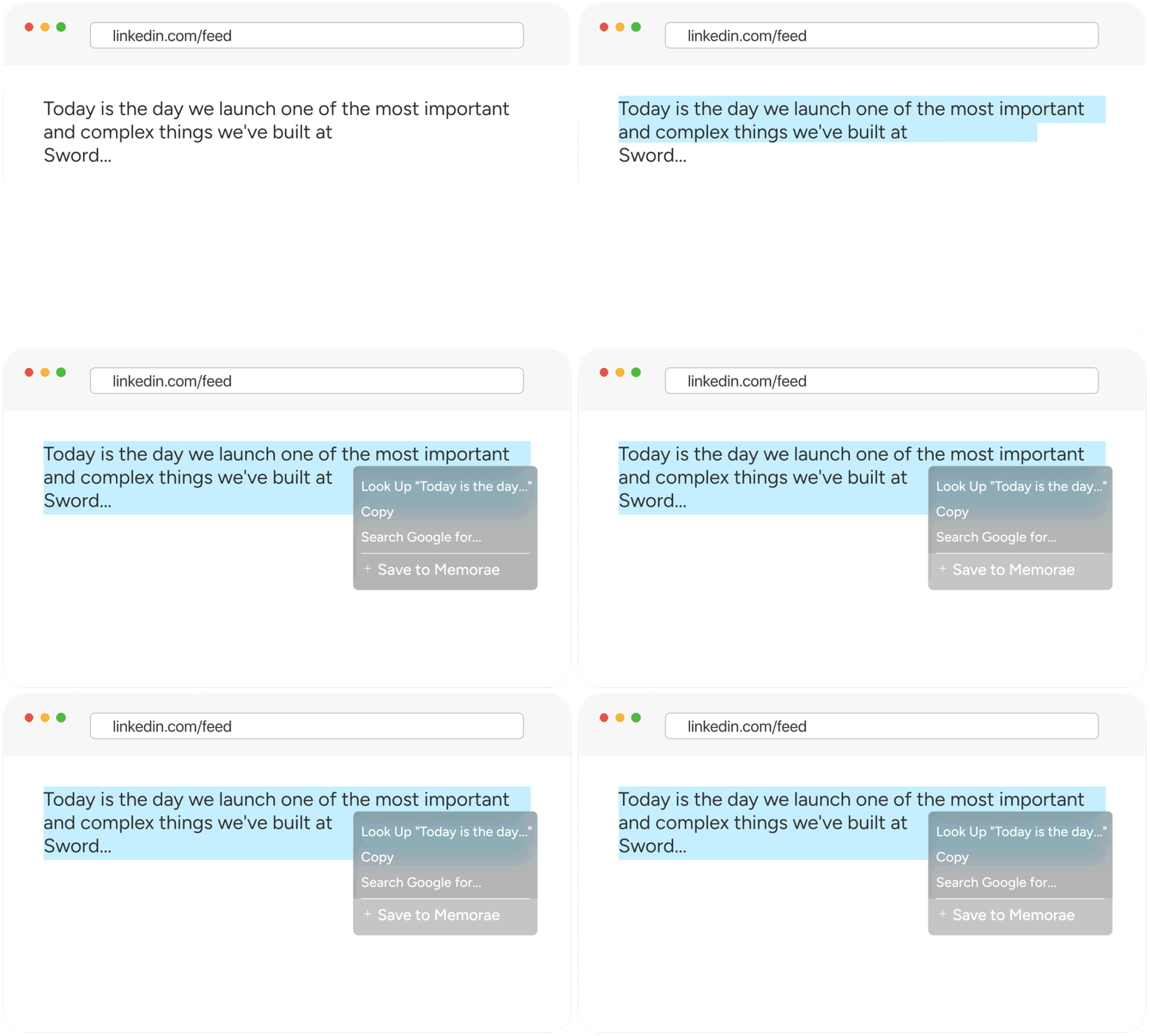
Right-click anything.
Save to Zoorzio.
See an interesting quote? A product you want?
An article to read later? Just highlight and right-click → "Save to Zoorzio". Done.


See an interesting quote? A product you want?
An article to read later? Just highlight and right-click → "Save to Zoorzio". Done.

Zoorzio processes your save instantly. It extracts the content, adds context, and organizes it automatically. You just keep browsing.
Zoorzio
online · your AI memory agent
Send me that article about AI startups I saved yesterday
Found it! 📄
"The Rise of AI-Native Startups in 2026"
techcrunch.com/2026/02/...
You saved this from TechCrunch on Feb 15.
08:01
This is where Zoorzio is different. Just message "Send me that startup article" via WhatsApp, Telegram, or Email and it's there. No app switching required.
It's not just another bookmarking tool.
Ask for your saves through WhatsApp, Telegram, or Email. No other tool does this.
No folders, no tags required. Zoorzio understands context and finds what you need.
Right-click or click the icon. One action, instant save. Keep your flow.
From research articles to product links, from quotes to
X posts if it's on the web, you can save it.